Training Course on Data Management and Analysis using Stata (DMC006)
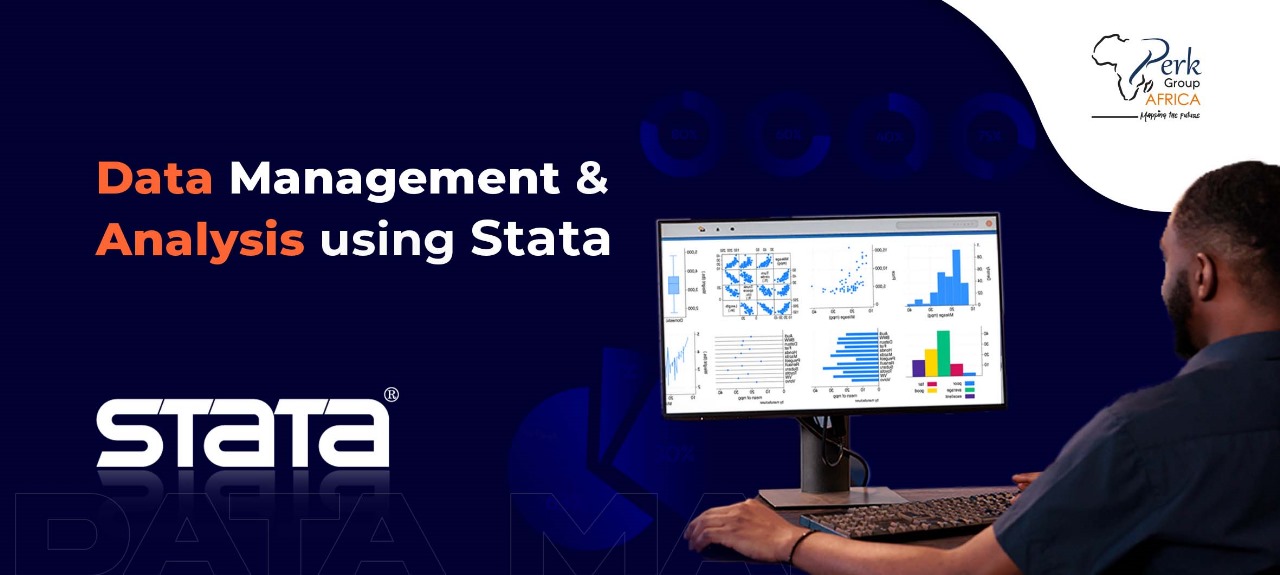
Training Course on Data Management and Analysis using Stata
This Data Management and Analysis using Stata course offers a concise and comprehensive approach to mastering the essential skills and techniques for managing and analyzing data using Stata software.
Through a combination of hands-on exercises, practical examples, and real-world applications, participants will learn how to efficiently handle data, clean and transform datasets, perform advanced statistical analysis, and generate meaningful insights using Stata’s powerful features.
At the end of the training, participants will harness the full potential of Stata for their data management and analysis needs.
Course Duration
Online Training: 7 days (4hrs per day)
Classroom Training: 5 days (7hrs per day)
Course Objectives
- Efficiently manage datasets by importing, cleaning, transforming, merging, and reshaping data.
- Handle data quality issues such as missing values, outliers, and recoding variables for accurate analysis.
- Perform advanced statistical analysis including ANOVA, regression, correlation tests, categorical choice models, and count data models.
- Apply simulation and modeling techniques using random numbers, scenario testing, and model diagnostics.
- Generate clear and professional data visualizations with customized charts, graphs, and interactive outputs.
- Interpret and present results effectively through Stata’s reporting and visualization tools.
- Harness Stata’s full potential for real-world applications in research, policy, and business decision-making.
Course Outline
Module 1: Getting Started with Stata and Exploring Data
- Introduction to Stata software and its features
- Setting up the Stata environment and understanding the interface
- Importing and managing datasets in Stata
- Data exploration techniques and summary statistics
- Data visualization using graphs and charts in Stata
Module 2: Data Management and Manipulation
- Cleaning and preparing data in Stata
- Handling missing values and outliers
- Data transformations and recoding variables
- Merging, appending, and reshaping datasets
- Subsetting and filtering data in Stata
Module 3: Data Visualization
- Advanced data visualization techniques in Stata
- Customizing graphs and charts for effective presentation
- Creating interactive and dynamic visualizations
- Exporting and saving visualizations in various formats
- Presenting data visually using Stata’s graphics capabilities
Module 4: Statistical Analysis with Stata
- Testing means and correlations in Stata
- Analysis of variance (ANOVA) techniques in Stata
- Linear regression analysis and interpretation of results
- Categorical choice models in Stata
- Introduction to counting data models in Stata
Module 5: Random Numbers, Simulation, and Model Assessment
- Generating random numbers and simulating data in Stata
- Using simulation techniques for modeling and analysis
- Assessing model fit and diagnostics in Stata
- Model interpretation and evaluation
- Reporting and presenting results in Stata
Note: The specific content, activities, and duration of each session may be adjusted based on the target audience, learning objectives, and available time.
Course Language
English
Training Methodology
Presentations are well guided, practical exercise, a plenary presentation, and group work. Participants are encouraged to bring any data relevant to their job responsibilities. This is hands-on, product-oriented training and will mostly involve practical exercises. Each participant MUST bring along their own working laptop and android phone.
Certification
Upon completion of training, the participant will be issued with a certificate of Completion.
Frequently Asked Questions
Common questions about the Training Course on Data Management and Analysis using Stata course.
Stata is a statistical software package developed by StataCorp, widely used in economics, public policy, public health, sociology and impact evaluation. Its strengths are reliability (programs run consistently across versions), well-documented syntax (commands like regress, xtreg, ivregress are concise and predictable), strong support for econometric methods (panel data, instrumental variables, structural equations), and an active community with 30+ years of teaching materials. Stata is widely taught in economics graduate programmes, making it the dominant tool in development research and impact evaluation.
Stata is used in development research for survey data cleaning and analysis (DHS, MICS, LSMS datasets), regression modelling (OLS, logit, probit, multilevel), impact evaluation (difference-in-differences, RDD, IV), panel data analysis, and producing publication-quality tables and graphs. Most major impact evaluations published by 3ie, J-PAL, IPA and the World Bank use Stata. NGO M&E teams use Stata for quantitative survey analysis when the design exceeds Excel's practical limits or requires advanced statistics — household surveys, baseline-endline comparisons, propensity score matching.
Stata and SPSS are both commercial statistical packages but differ in style. Stata uses scripted commands by default (with optional point-and-click), making analysis reproducible through do-files; SPSS leans more on point-and-click with optional syntax. Stata is preferred in economics, public policy, and impact evaluation; SPSS dominates in psychology, sociology, market research, and education. Stata's panel data and econometric methods are stronger; SPSS's factor analysis and traditional psychometrics are stronger. For development M&E, Stata is the more common choice in 2026.
Researchers, economists, public health analysts, impact evaluation specialists, graduate students, and M&E officers analysing household surveys, panel data or clinical trials — Stata is the dominant tool in these communities.
Reproducible workflow with do-files, importing and reshaping data, labels and value labels, merging and appending, descriptive statistics, regression (OLS, logit, probit), survey weights (svy commands), panel data (xtreg), graphing, and exporting tables to LaTeX/Word with esttab/outreg2.
No prior Stata experience is required. Basic statistics literacy (correlation, regression concepts) is helpful. Participants range from NGO M&E staff running their first survey analysis to PhD candidates working through large datasets like DHS or LSMS.
Online and in-person. Both formats are hands-on with shared do-files and datasets. Both issue the Perk Group Africa certificate of completion with a verification code.
Related Courses
Explore more courses in Data Management & Analysis